This doesn't look like my dashboard.
We have made it easy to auto-publish blogs and videos from the Content Library on your website. You can adjust the auto-publish settings directly in your website dashboard.
- First, login to your website dashboard.
- Navigate to the ‘Content Library’ button on the left-hand side menu.
- Select the orange ‘Autopublish’ button located on the left-hand side of the page, under the ‘Content Library’ title.
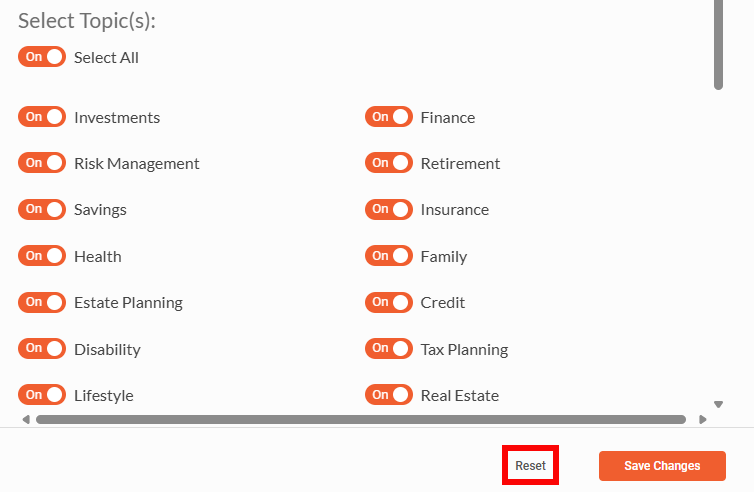
- Once you’ve clicked on that button, a pop-up will appear to adjust the auto-publish settings.
Instructional Video:
How to disable/reset Auto Publish
Open the Automatic Publishing pop-up.
Click the Reset button located at the bottom of the pop-up.
Confirm that auto-publish is disabled.